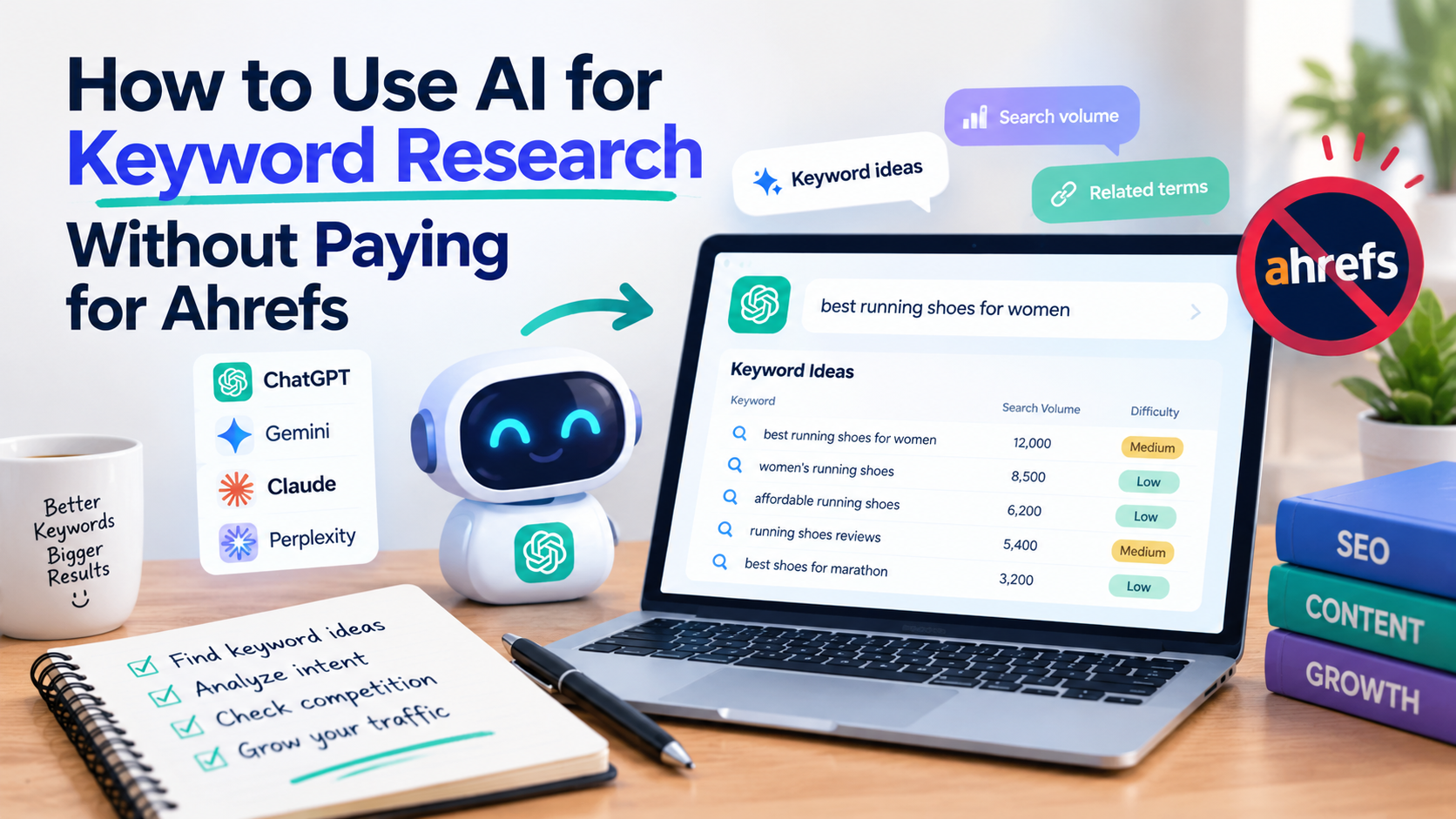
Keyword research has a reputation for being expensive. Tools like Ahrefs and Semrush are powerful, but their price puts them out of reach for many bloggers and small business owners just getting started. The good news is that you can do solid keyword research with free tools and an AI assistant, as long as you know which job each one does.
Here is the key point most guides skip: AI assistants do not know real search volumes. If you ask a chatbot “how many people search for this keyword each month?”, it will give you a guess, and the guess can be wrong. What AI is excellent at is generating ideas, grouping them, understanding intent and planning content. For real data, you pair it with free sources such as Google Search Console, Google Trends and Google’s own search results.
This guide shows you a complete workflow, with prompts you can copy and paste.
What you’ll need:
- An AI assistant (ChatGPT, Claude or Gemini).
- A Google account for Search Console, Trends and a spreadsheet.
- About 60 to 90 minutes for your first session.
What AI can and can’t do for keyword research
| AI is good at | AI is not reliable for |
|---|---|
| Brainstorming topics and related questions | Exact monthly search volumes |
| Grouping keywords into themes and clusters | Keyword difficulty scores |
| Explaining search intent | Current rankings of specific pages |
| Turning keywords into article titles and outlines | Backlink data |
| Spotting gaps in your content plan | Real-time trends |
The workflow below uses AI for the left column and free tools for the right column.
The free toolkit
| Tool | What it gives you | Cost |
|---|---|---|
| Google Search Console | The real queries people use to find your site | Free |
| Google autocomplete | Real phrases people type | Free |
| “People also ask” and “Related searches” | Questions and variations from Google | Free |
| Google Trends | Whether interest is rising, falling or seasonal | Free |
| Google Keyword Planner | Search volume ranges and ideas (needs a Google Ads account) | Free to access, check current requirements |
| Ahrefs Webmaster Tools | Basic audit and data for sites you own | Free for verified sites, check current terms |
| Ubersuggest | Limited free keyword suggestions | Limited free use, check current terms |
| AnswerThePublic | Question-based keyword ideas | Limited free use, check current terms |
| Reddit, Quora and forums | The real language and problems of your audience | Free |
| ChatGPT, Claude, Gemini | Brainstorming, clustering and planning | Free tiers available |
Free plans and limits change, so confirm what is currently included.
Step 1: Define your topic and your audience (10 minutes)
Keyword research starts with people, not tools. Write down:
- Your site’s main topic (for example, “home composting for apartment dwellers”).
- Who your reader is and what problem they have.
- What you offer or want them to do (read, subscribe, buy, book).
- The stage of the journey: are they just learning, comparing options or ready to buy?
Prompt: map the territory
I run a website about [topic] for [audience]. List 10 main subtopics my audience cares about. For each, list 5 specific problems or questions they might search for. Organize it as a table with the columns: subtopic, problem or question, and likely search intent (informational, comparison, transactional).
This gives you a map of what to research instead of starting from a blank spreadsheet.
Step 2: Generate seed keywords (10 minutes)
Seed keywords are the broad terms you will expand. Combine AI ideas with real sources.
Prompt: generate seeds
Give me 30 seed keywords for a website about [topic] aimed at [audience]. Include a mix of beginner terms, problem-based phrases (“how to fix…”, “why does…”), comparison phrases (“X vs Y”, “best X for Y”) and cost or buying terms. Write them the way real people type into Google, not in marketing language.
Then add real language:
- Type each seed into Google and note the autocomplete suggestions.
- Scroll to “People also ask” and “Related searches” and copy relevant questions.
- Browse Reddit and forums in your niche and note the exact phrases people use when asking for help.
- If your site already has traffic, export queries from Search Console.
Step 3: Expand into long-tail keywords (15 minutes)
Long-tail keywords are longer, more specific phrases. They usually have less competition and clearer intent, which makes them the best target for a new or small site. Compare:
- Broad: “composting”
- Long-tail: “how to compost in a small apartment without smell”
Prompt: expand
Take these seed keywords: [paste list]. For each one, generate 5 long-tail variations that are specific, naturally phrased and answer a real question or situation. Include modifiers such as “for beginners,” “without,” “cheap,” “in [place],” “vs,” “for [type of person],” and “step by step.”
Paste your autocomplete and “People also ask” findings into the same conversation and ask:
Here are additional phrases I collected from Google and forums: [paste]. Combine everything, remove duplicates, and flag the ones that are the most specific and closest to a real person’s question.
Step 4: Validate with real data (15 minutes)
This is the step where free tools replace Ahrefs. You are checking two things: is anyone searching for this? and can I realistically compete?
Check demand
- Google Keyword Planner shows volume ranges for keywords if you have a Google Ads account. Ranges are broader than paid tools, but enough to separate “no demand” from “some demand”.
- Google Trends shows whether interest is stable, growing or seasonal. Compare two or three phrases to pick the better wording.
- Autocomplete presence is a quick signal. If Google suggests a phrase, people are searching it.
- Search Console shows impressions for queries you already appear for, even at low positions. That is real evidence of demand.
Check competition manually
Search the keyword in Google and look at the first page:
- Who ranks? Giant brands and major publications are hard to beat. Small blogs, forums and Q&A sites are a good sign.
- How good is the content? Is it thin, outdated or generic? Then you can do better.
- Does the page match what the query asks? If the top results are all product pages and you plan a blog post, the intent may not fit.
- How recent are the results? Old articles suggest an opportunity to write something current.
Prompt: analyze the results you found
I searched for “[keyword]” and the top results are: [paste titles and a one-line description of each, including the type of site]. Based on this, explain the likely search intent, what kind of content I should create, and what angle could differentiate my page from the existing ones.
This is the honest way to use AI for competition analysis: you give it what you observed, and it helps you interpret it.
Step 5: Understand search intent (5 minutes)
Matching intent matters more than matching exact words. Google tends to show the format that best satisfies the searcher. There are four common intents:
| Intent | What the person wants | Example | Content to create |
|---|---|---|---|
| Informational | To learn something | “how to compost in an apartment” | Guide or tutorial |
| Comparison | To choose between options | “best compost bins for small spaces” | List or comparison |
| Transactional | To buy or sign up | “buy countertop compost bin” | Product or category page |
| Navigational | To reach a specific site | “brand name login” | Not usually a target |
Prompt: classify in bulk
Classify each of these keywords by search intent (informational, comparison, transactional or navigational) and suggest the best content format for each: [paste keywords]. Return a table.
Then confirm by looking at the actual search results. If the page types you see contradict the AI’s guess, trust the results.
Step 6: Group keywords into clusters (10 minutes)
Instead of creating one article per keyword, group closely related keywords that one page can cover. This avoids competing with yourself and builds topical depth.
Prompt: cluster
Group these keywords into clusters where each cluster can be answered by a single article. For each cluster, give me: the main keyword, the supporting keywords, the search intent, and a working title. Flag keywords that deserve their own separate article: [paste list].
A typical result looks like this:
| Cluster | Main keyword | Supporting keywords | Intent |
|---|---|---|---|
| Apartment composting basics | how to compost in an apartment | apartment composting for beginners, small space composting | Informational |
| Odor problems | how to stop compost from smelling | why does my compost smell, compost smell fix | Informational |
| Product picks | best countertop compost bins | indoor compost bin reviews, odor-free compost bin | Comparison |
Step 7: Prioritize (10 minutes)
You can’t write everything at once. Score your clusters on a simple scale of 1 to 5 for each factor:
- Relevance to your goal: does it lead to something you offer?
- Demand: is there evidence people search for it?
- Competition: can you realistically rank?
- Effort: how long will it take to create something excellent?
Prompt: build a plan
Here are my keyword clusters with notes on demand and competition: [paste table]. Prioritize them using relevance to my goal ([goal]), demand, ease of ranking and effort. Suggest a publishing order for the next 10 articles and explain the reasoning for the first three.
For a new site, start with the least competitive, most specific topics, build a base of useful content and then move to broader terms.
Step 8: Turn keywords into content (10 minutes)
Now convert each priority cluster into a content plan.
Prompt: titles and outline
For the keyword cluster “[main keyword]” with supporting keywords [list] and search intent [intent], write: 5 SEO title options under 60 characters, one meta description under 155 characters, and a detailed outline with H2 and H3 headings. Add a short FAQ based on these questions: [paste “People also ask” questions]. Do not write the full article.
Write the article yourself or with AI assistance, then add original value: personal experience, photos, examples, data and clear advice. That is what differentiates your page from the generic results.
Step 9: Track and refine
Keyword research doesn’t end when you publish.
- Check Search Console after a few weeks. Which queries bring impressions and clicks?
- Find near-misses. Pages ranking on page two for relevant queries are good candidates for improvement.
- Update content to answer questions you missed.
- Feed results back to the AI:
Here are the queries my page is getting impressions for, with their average position: [paste]. Suggest improvements to the article, additional sections to cover and new related articles I could write.
Over time, your own data becomes your best keyword source.
Common mistakes to avoid
- Trusting AI for search volume. It can’t provide reliable numbers. Always validate with real tools.
- Chasing high-volume keywords too early. Start specific.
- Ignoring search intent. A perfect keyword with the wrong content type won’t rank.
- Targeting a different keyword on every article without a plan. Build clusters that support each other.
- Writing without looking at the results. The first page tells you what Google expects.
- Skipping updates. Refreshing content often pays off more than starting from zero.
- Keyword stuffing. Use phrases naturally and write for people.
Frequently asked questions
Can I do keyword research with just ChatGPT?
You can brainstorm and cluster ideas, but not get reliable search volume or difficulty. Combine it with free tools such as Google Trends, Search Console and Keyword Planner to validate.
Is there a completely free alternative to Ahrefs?
No free tool matches its full dataset, but a combination of Search Console, Google Trends, Keyword Planner, autocomplete and manual review of the search results covers most of what a small site needs. Some paid tools also offer limited free versions.
What is a good keyword difficulty for a new site?
Scores differ between tools, so there is no universal number. A better test is manual: if the first page includes small sites, forums or weak content, there is room to compete.
How many keywords should I target per article?
Focus on one main topic with a few closely related variations. Let the article answer the full question instead of repeating phrases.
How often should I do keyword research?
Do a larger session when you plan your content, then revisit it regularly, such as monthly or quarterly, using Search Console data to guide updates.
Can AI find keywords my competitors miss?
It can help you spot gaps by comparing topics and questions. Combine it with a manual look at competitors’ sites and with your own audience’s questions for the best results.
Final thoughts
You don’t need an expensive subscription to do keyword research well. Use AI for what it does best, which is generating ideas, grouping them and planning content. Use free sources for what AI can’t do: showing real demand and real competition. Then verify everything by reading the search results yourself.
Do this consistently, and your keyword list will start to reflect what your audience actually asks, which is the foundation of content that ranks.
Leave a Reply