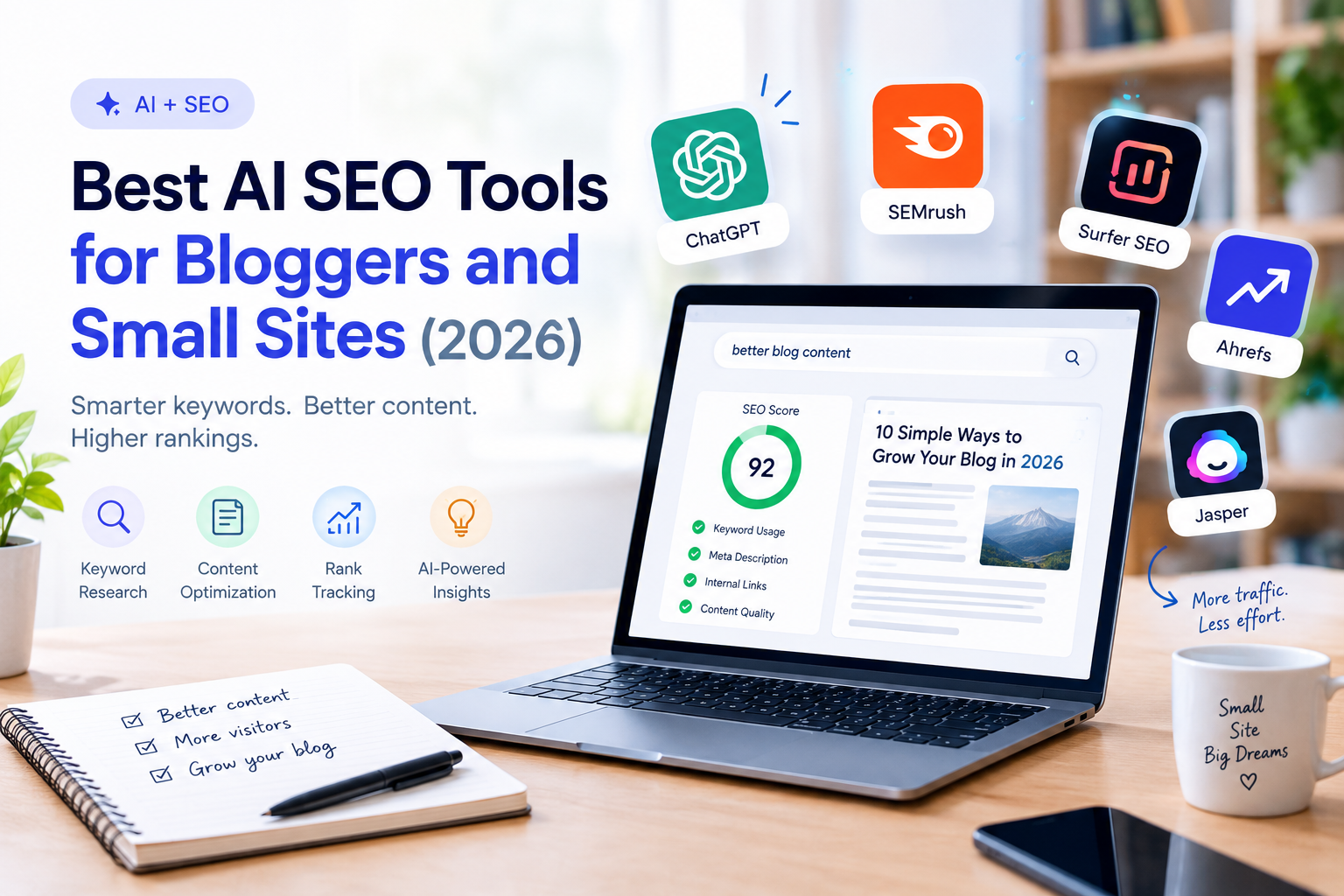
Search engine optimization has a reputation for being expensive and complicated. For a blogger or small business, the main problems are practical: finding keywords you can actually rank for, writing content that matches what searchers want, and fixing technical issues without hiring an agency.
AI-powered SEO tools can help with all three. They can suggest topics, analyze top-ranking pages, score your drafts and flag problems on your site. But they also come with a risk: it is easy to pay for a big platform you barely use, or to publish AI-generated content that adds nothing new.
This guide compares the best AI SEO tools for bloggers and small sites, explains what each one is good at, and helps you decide what you really need.
Quick answer: start with the free tools (Google Search Console and an SEO plugin like Rank Math or Yoast) and a general AI assistant for outlines. Add a paid keyword research tool such as Semrush or Ahrefs once you publish regularly. Add a content optimization tool such as Surfer or Frase only if you write competitive, long-form articles.
What AI does in SEO (and what it doesn’t)
AI is useful in SEO for tasks that involve pattern recognition and drafting:
- Keyword research: finding topics, grouping related keywords and estimating difficulty.
- Content briefs: summarizing what top-ranking pages cover.
- Content optimization: suggesting terms, headings and questions to include.
- On-page tasks: writing title tags, meta descriptions and schema.
- Technical audits: flagging broken links, slow pages and indexing issues.
What AI does not do: guarantee rankings, replace original experience, or make thin content valuable. Search engines reward pages that are useful, accurate and written with real knowledge of the topic. AI speeds up the work, but the quality still depends on you.
How we chose these tools
We compared each tool on:
- Core SEO function: what it does best (research, optimization, technical).
- AI features: what the AI really helps with beyond a basic keyword list.
- Ease of use: how quickly a beginner can get value.
- Pricing structure: free plans, trials and what is locked behind higher tiers.
- Fit for small sites: whether it makes sense for one person or a small team.
Plans and features change often, so confirm current details on each official site.
Quick comparison
| Tool | Best for | Main strength | Free option |
|---|---|---|---|
| Google Search Console | Everyone | Real search data for your site | Free |
| Semrush | All-in-one research | Keywords, competitors, audits | Limited free version |
| Ahrefs | Backlinks and keyword data | Deep keyword and link analysis | Free webmaster tools |
| Surfer SEO | Content optimization | Scoring drafts against top results | Trial or demo |
| Frase | Briefs and answering questions | Research and content briefs | Trial available |
| Rank Math | WordPress on-page SEO | Plugin with AI-assisted features | Free version available |
| Yoast SEO | WordPress beginners | Guided on-page checks | Free version available |
| Ubersuggest | Budget keyword research | Simple keyword and site ideas | Limited free use |
| ChatGPT / Claude | Outlines, titles, meta descriptions | Flexible writing and analysis | Free tiers available |
1. Google Search Console: the free essential
Best for: every site owner, from day one.
Google Search Console is not an AI tool in the usual sense, but no SEO setup is complete without it. It shows which queries bring people to your site, which pages get impressions, your average position, indexing problems and mobile usability issues. It is free and uses real data directly from Google.
Strengths
- Real query and click data for your own site.
- Alerts for indexing errors and manual actions.
- Helps you find pages ranking on page two that deserve improvement.
Limitations
- It does not suggest new keywords you don’t already rank for.
- The interface takes a little time to learn.
Our take: set it up before anything else. Many of the best opportunities come from improving pages you already have.
2. Semrush: best all-in-one platform
Best for: bloggers and small businesses that want research, competitor analysis and audits in one place.
Semrush covers keyword research, competitor analysis, site audits, rank tracking and content tools. Its AI features help with content ideas, writing assistance and summarizing insights. It is a broad toolkit, which is useful but can feel like a lot for someone just starting.
Strengths
- Comprehensive keyword and competitor data.
- Site audit to find technical issues.
- Helpful for finding gaps competitors rank for and you don’t.
Limitations
- Higher price than lighter tools.
- Many features you may not need at first.
Our take: worth considering when SEO is a core growth channel and you will use several of its modules.
3. Ahrefs: best for keyword and backlink data
Best for: site owners who care about link building and detailed keyword analysis.
Ahrefs is well known for its backlink data and keyword research. It helps you see which sites link to your competitors, what content earns links and which keywords are within reach. It also has free webmaster tools for verified site owners, which are useful for basic audits.
Strengths
- Strong link analysis and competitor research.
- Clear keyword difficulty and traffic estimates.
- Free tools for auditing your own site.
Limitations
- Premium plans can be costly for hobby sites.
- Learning curve for beginners.
Our take: a strong choice if you plan to invest in content and links over the long term.
4. Surfer SEO: best for optimizing individual articles
Best for: writers who want to improve a draft against top-ranking pages.
Surfer analyzes the pages that rank for your target keyword and suggests terms, headings, length and structure to include. You get a content score as you write. It also offers AI-assisted writing features, but its real value is the optimization guidance.
Strengths
- Clear, practical guidance while you write.
- Useful for competitive topics where details matter.
- Integrates with common writing tools.
Limitations
- A high score doesn’t guarantee better rankings.
- Following suggestions blindly can lead to bloated, repetitive text.
Our take: helpful as a checklist, not as a rulebook. Use it to spot missing subtopics, then write for readers.
5. Frase: best for research and content briefs
Best for: bloggers who want to build outlines and answer real questions quickly.
Frase pulls together what top results cover and the questions people ask, then helps you build a brief or outline. AI features assist with drafting and optimization. It is especially useful for planning articles that need to answer multiple questions clearly.
Strengths
- Fast research for outlines and briefs.
- Surfaces questions to answer in your article.
- Good for FAQ sections.
Limitations
- Less depth in keyword and backlink data than larger platforms.
- AI drafts need editing and fact-checking.
Our take: a good fit if your biggest bottleneck is planning content.
6. Rank Math: best WordPress plugin for on-page SEO
Best for: WordPress sites that want powerful on-page controls without paying for an extra platform.
Rank Math adds SEO fields, schema markup, sitemaps, redirects and content checks directly in WordPress. It includes AI-assisted features for suggestions such as titles and descriptions, and a free version covers many needs.
Strengths
- Many features in the free version.
- Schema and technical settings in one plugin.
- Real-time suggestions in the editor.
Limitations
- The number of settings can overwhelm beginners.
- Some AI features and limits depend on the plan.
Our take: a popular choice for WordPress owners who want control.
7. Yoast SEO: best for WordPress beginners
Best for: newcomers who want clear, guided on-page checks.
Yoast has long been a standard WordPress SEO plugin. It provides readability and SEO checks, helps with titles and meta descriptions, and manages sitemaps and basic schema. Its premium plan adds more features, including AI-assisted tools.
Strengths
- Simple traffic-light feedback.
- Easy to set up.
- Reliable for basic on-page SEO.
Limitations
- The green light is not a ranking guarantee.
- Fewer advanced options than Rank Math in the free version.
Our take: a safe starting point if you want guidance and no complexity.
8. Ubersuggest: best budget keyword tool
Best for: bloggers on a small budget who want keyword ideas and basic site insights.
Ubersuggest offers keyword suggestions, content ideas, simple site audits and competitor snapshots at a lower price point than the large platforms. Its data is less extensive, but it is easy to understand.
Strengths
- Beginner-friendly interface.
- Affordable compared with enterprise suites.
- Useful for brainstorming topics.
Limitations
- Less detailed data and fewer advanced features.
- Free use is limited.
Our take: a sensible way to start researching keywords without a big commitment.
9. ChatGPT and Claude: best for outlines and on-page text
Best for: drafting outlines, title tags, meta descriptions, FAQs and internal link ideas.
General AI assistants are not SEO tools, but they are very useful alongside them. They can turn a keyword and a list of questions into an outline, suggest variations for titles, summarize search intent and help rewrite weak sections.
Strengths
- Flexible and fast for drafting and brainstorming.
- Free tiers available.
- Easy to tailor to your tone and audience.
Limitations
- No live keyword volume or ranking data.
- Can state wrong facts confidently, so verify details.
Our take: use them for drafting and ideation, and rely on real SEO data for decisions.
Which tool should you choose?
| Your situation | Best choice |
|---|---|
| Just starting, no budget | Google Search Console + Rank Math or Yoast + AI assistant |
| Need keyword ideas on a small budget | Ubersuggest |
| Want research, audits and competitors in one place | Semrush |
| Focused on backlinks and deep keyword data | Ahrefs |
| Writing competitive, long-form articles | Surfer SEO |
| Struggling with outlines and briefs | Frase |
A simple AI-assisted SEO workflow
You don’t need every tool. This workflow works for most blogs and small sites:
- Find a topic. Use Search Console, a keyword tool or the “People also ask” box to spot questions your audience has.
- Check the intent. Search the keyword and note what kinds of pages rank: guides, lists, product pages or videos.
- Build the outline. Use an AI assistant or a brief tool to organize the headings and questions.
- Write with real experience. Add examples, photos, data or opinions only you can provide.
- Optimize. Write a clear title, meta description and headings. Check that you covered important subtopics.
- Link internally. Connect the new article to related posts using descriptive anchor text.
- Publish and monitor. Check Search Console after a few weeks. Update pages that rank on page two.
Prompt for an outline:
I’m writing a blog post targeting the keyword “[keyword]” for [audience]. The search intent is [informational/comparison/how-to]. Create a detailed outline with H2 and H3 headings, a short list of questions to answer in an FAQ, and suggestions for examples or data I should include. Do not write the article.
Prompt for title and meta description:
Write 5 SEO title options under 60 characters and 3 meta descriptions under 155 characters for an article about “[topic]”. Include the keyword naturally and make them useful to a reader, not clickbait.
Common mistakes to avoid
- Publishing unedited AI content. Generic text rarely ranks and doesn’t build trust.
- Chasing difficult keywords too early. Start with specific, lower-competition topics.
- Over-optimizing. Stuffing suggested terms makes text unnatural.
- Ignoring search intent. If searchers want a comparison, a long essay won’t satisfy them.
- Paying for too many tools. Start free and upgrade only when you hit a clear limit.
- Never updating old posts. Refreshing content that already ranks is often faster than writing from scratch.
- Neglecting technical basics. Page speed, mobile usability and clean site structure matter.
Frequently asked questions
What is the best free AI SEO tool?
Google Search Console is the best free starting point for real data. Combine it with a free SEO plugin and a general AI assistant for drafting. Free plans and limits change, so check current offers.
Can AI replace an SEO specialist?
AI can handle repetitive tasks and speed up research, but strategy, judgment and quality control still require a person. For a small site, a bit of learning plus the right tools is often enough.
Does Google penalize AI-generated content?
Google’s stated approach is to reward helpful, original content regardless of how it is produced, and to act against low-quality content made to manipulate rankings. Use AI as an assistant, add real expertise and review everything before publishing. Check Google’s current guidance, since it can change.
How long does SEO take to work?
It varies. New sites commonly take several months to see meaningful traffic, depending on competition, content quality and links. Focus on consistent publishing and improvements.
Do I need a paid tool to rank?
No. Many sites rank using free tools and good content. Paid tools save time and add data, which becomes more valuable as you publish more.
How many keywords should I target per article?
Focus on one main topic per article, plus related questions and terms that naturally belong to it. Don’t force a long list of keywords into one page.
Final verdict
You do not need an expensive stack to do SEO well. Start with Search Console, an on-page plugin and a general AI assistant. Add a keyword research platform when you are publishing regularly, and a content optimization tool only when you compete for difficult terms. Above all, use AI to speed up the work, not to replace the experience and originality that make a page worth ranking.
Leave a Reply