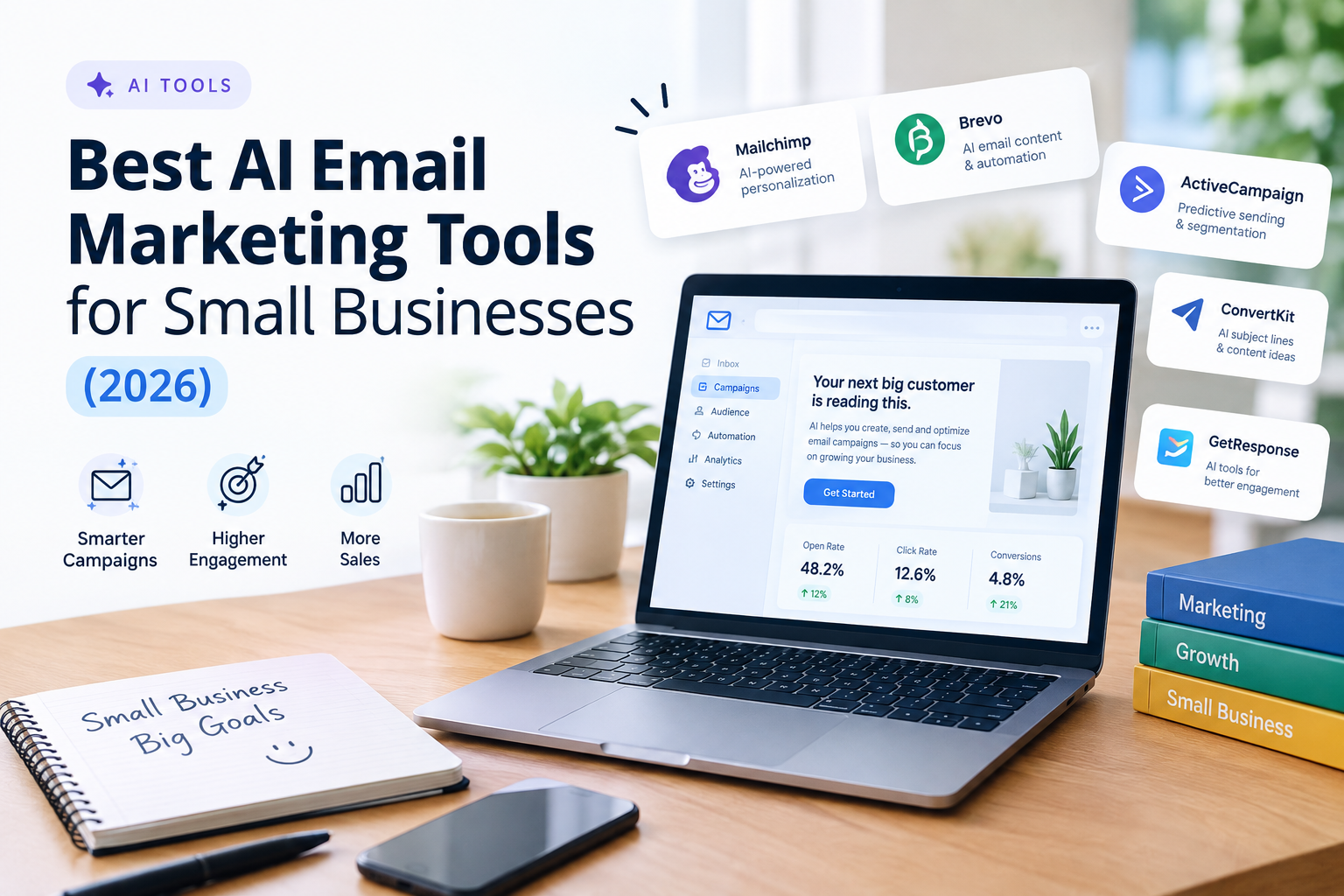
Email is still one of the most reliable ways for a small business to bring customers back. You own your list, you don’t depend on an algorithm, and a single well-timed message can drive sales the same day. The challenge is time: writing subject lines, building campaigns, segmenting contacts and testing what works.
AI features in modern email platforms help with exactly those tasks. They can draft copy, suggest subject lines, predict the best send time and automate follow-ups. But not every tool does this equally well, and some charge extra for the AI features.
This guide compares the best AI email marketing tools for small businesses, explains who each one suits, and helps you choose without overpaying.
Quick answer: for most small businesses starting out, Mailchimp or Brevo offer the easiest path. If you sell online with Shopify or WooCommerce, Klaviyo or Omnisend are built for that. If you want advanced automation, look at ActiveCampaign. If you’re a creator or run a newsletter, consider MailerLite or Kit.
What AI actually does in email marketing
Before comparing tools, it helps to know what “AI” means in this category. The useful features usually fall into five groups:
- Copy generation: drafting email text, subject lines and preview text.
- Design assistance: building layouts and templates from a short description.
- Segmentation: grouping contacts by behavior, purchases or engagement.
- Send-time and content optimization: picking when to send and which version performs better.
- Automation suggestions: setting up welcome series, abandoned cart emails and win-back campaigns.
Some of these features are included in base plans; others require higher tiers or add-ons. Always check what your plan includes.
How we chose these tools
We compared each platform on:
- AI features: what they actually help you do.
- Ease of use: how quickly a beginner can send a first campaign.
- Automation: welcome flows, abandoned carts, follow-ups.
- Integrations: compatibility with Shopify, WordPress, WooCommerce, CRMs and payment tools.
- Pricing model: free plans, contact-based pricing and feature limits.
- Deliverability and support: how well the platform helps your emails reach inboxes.
Plans and features change frequently, so verify the current details on each official site.
Quick comparison
| Tool | Best for | AI strength | Free plan |
|---|---|---|---|
| Mailchimp | Beginners and all-round use | Content and subject line assistance | Check current terms |
| Brevo | Budget-friendly email plus SMS | Automation and send-time optimization | Check current terms |
| Klaviyo | Ecommerce stores | Predictive analytics and segmentation | Check current terms |
| ActiveCampaign | Advanced automation | Automation and customer journeys | Trial available |
| Constant Contact | Local businesses and events | Content creation tools | Trial available |
| MailerLite | Simplicity and newsletters | AI writing and simple automation | Check current terms |
| Omnisend | Ecommerce with email and SMS | Automation and segmentation | Check current terms |
| Kit (formerly ConvertKit) | Creators and course sellers | Automation for audiences | Check current terms |
1. Mailchimp: best all-round option for beginners
Best for: small businesses that want an easy, familiar platform with templates and basic AI help.
Mailchimp is one of the best-known email platforms. It offers drop-in templates, audience management, basic automation and AI tools that help with content creation and campaign suggestions. It also includes landing pages and simple reporting.
Strengths
- Easy to start, with a large template library.
- AI-assisted content and subject line suggestions.
- Many integrations with ecommerce and website platforms.
Limitations
- Pricing can rise quickly as your contact list grows.
- Some advanced features are locked behind higher plans.
Our take: a solid starting point if you want something simple that can grow with you.
2. Brevo: best budget-friendly option with SMS
Best for: small teams that want email, SMS and automation without a high price.
Brevo (formerly Sendinblue) combines email marketing, SMS, chat and basic CRM features. Its pricing is often structured around the number of emails sent rather than the size of your list, which can be advantageous if you have many contacts but send occasionally. AI features support content creation and send-time optimization.
Strengths
- Email and SMS in one place.
- Strong automation for the price.
- Flexible pricing model that suits some small lists.
Limitations
- The interface has more options than a pure beginner needs.
- Some features depend on the plan.
Our take: a strong choice if you want broader communication tools without paying premium prices.
3. Klaviyo: best for ecommerce stores
Best for: online shops, especially on Shopify, WooCommerce and similar platforms.
Klaviyo is built around customer data. It connects deeply with ecommerce stores and uses purchase behavior to segment customers, trigger flows and predict things like likely next order timing. AI helps with segmentation, product recommendations and content generation.
Strengths
- Powerful segmentation based on purchases and browsing behavior.
- Prebuilt flows for abandoned cart, browse abandonment and post-purchase.
- Detailed revenue reporting tied to email.
Limitations
- Can get expensive as your list grows.
- More than you need if you aren’t selling online.
Our take: the strongest option for online stores that want email to drive measurable revenue.
4. ActiveCampaign: best for advanced automation
Best for: businesses that want detailed customer journeys and CRM features.
ActiveCampaign is known for automation. You can build multi-step journeys that respond to what contacts do: open, click, buy, visit a page. AI helps with predictive sending, content suggestions and automation recommendations. It also includes sales and CRM tools.
Strengths
- Very flexible automation builder.
- Good fit for lead nurturing and service businesses.
- CRM and email in one platform.
Limitations
- Steeper learning curve.
- Higher price than simpler tools.
Our take: worth it if your sales process involves multiple touchpoints and you will actually use the automation depth.
5. Constant Contact: best for local businesses and events
Best for: local shops, restaurants, nonprofits and service providers who value support and ease.
Constant Contact offers simple email creation, event promotion tools and customer support. Its AI features help with writing and campaign suggestions. It is a practical choice for owners who want guidance rather than a complex system.
Strengths
- Beginner-friendly with strong support options.
- Useful tools for events, surveys and social promotion.
- Straightforward templates.
Limitations
- Less advanced automation than some competitors.
- Pricing may be higher than lighter tools.
Our take: a comfortable option for owners who prefer a guided experience.
6. MailerLite: best for simplicity
Best for: newsletters, solo businesses and bloggers who want clean design and fair value.
MailerLite is known for its simple interface and straightforward pricing. It includes drag-and-drop email building, landing pages, automation and AI writing assistance. It is often recommended for users who find larger platforms overwhelming.
Strengths
- Clean, intuitive interface.
- Good value for small lists.
- Includes landing pages and forms.
Limitations
- Fewer advanced ecommerce and CRM capabilities.
- Some features are limited on lower plans.
Our take: a good fit if you want to send professional emails without a steep learning curve.
7. Omnisend: best for ecommerce with email and SMS
Best for: online stores that want email and SMS working together.
Omnisend focuses on ecommerce automation, combining email, SMS and push notifications in unified workflows. AI helps generate content and optimize campaigns. It tends to be simpler than Klaviyo while covering similar ground for many stores.
Strengths
- Prebuilt ecommerce automations.
- Multichannel workflows in one place.
- Easier to set up than some enterprise-level tools.
Limitations
- Less depth in advanced analytics than the biggest competitors.
- SMS adds cost.
Our take: a practical alternative to Klaviyo for stores that want faster setup.
8. Kit (formerly ConvertKit): best for creators
Best for: course creators, coaches, writers and anyone building an audience.
Kit is designed for creators who sell digital products or services. It includes landing pages, forms, automations and tools for selling products. AI features support writing and organization.
Strengths
- Built around creator workflows.
- Simple automations for sequences and product delivery.
- Tools for selling digital products.
Limitations
- Less suited to traditional retail or ecommerce stores.
- Template design options are more limited.
Our take: ideal if your email list is the center of your business.
Which tool should you choose?
| Your situation | Best choice |
|---|---|
| New to email marketing | Mailchimp or MailerLite |
| Tight budget, want email plus SMS | Brevo |
| Online store (Shopify, WooCommerce) | Klaviyo or Omnisend |
| Complex lead nurturing and CRM | ActiveCampaign |
| Local business that values support | Constant Contact |
| Creator selling courses or content | Kit |
How to use AI in your email campaigns
AI helps most when you use it to speed up the parts you find hard, then add your own judgment.
Subject lines. Ask for 10 options, then choose or combine the best ones. Test two versions with A/B testing.
Write 10 subject lines for an email announcing a weekend sale at my pet store. Keep them under 45 characters, avoid spammy words, and make 3 of them curiosity-driven.
Body copy. Give the AI the offer, the audience and your voice.
Write a short promotional email for [offer] to existing customers. Friendly tone, under 150 words, one clear call to action, and a personal sign-off from the owner.
Welcome series. A welcome sequence is one of the highest-value automations you can set up.
Create a 4-email welcome series for new subscribers of my [type of business]. Email 1: thank you and what to expect. Email 2: our story. Email 3: best-selling products or services. Email 4: a small first-time offer. Provide subject lines and body copy.
Abandoned cart or reminder emails.
Write a friendly abandoned cart email that reminds the customer of the items they left, without pressure. Include a short line addressing common doubts about shipping and returns.
Re-engagement.
Write a win-back email for customers who haven’t opened our emails in 90 days. Keep it short, honest and offer an easy way to unsubscribe.
Email marketing best practices for small businesses
- Build your list ethically. Only email people who opted in. Use clear signup forms.
- Follow the rules. In the US, the CAN-SPAM Act requires a physical address, a clear way to unsubscribe and honest subject lines. Check current requirements.
- Send consistently. Weekly or twice a month works for many small businesses.
- Segment when you can. Even two groups (customers and leads) improves relevance.
- Test one thing at a time. Subject line, send time or call to action.
- Clean your list. Remove inactive contacts occasionally to protect deliverability.
- Measure what matters. Track clicks, replies and sales, not just open rates, since privacy changes can make open data less reliable.
Common mistakes to avoid
- Letting AI write without review. Generic emails get ignored.
- Choosing a tool for features you won’t use. Start simple.
- Ignoring mobile. Most people read email on their phones.
- Buying email lists. It harms deliverability and can violate regulations.
- Sending only promotions. Mix helpful content, stories and offers.
- Forgetting the welcome email. It gets the highest engagement of any message.
Frequently asked questions
What is the best free AI email marketing tool?
Several platforms, including Mailchimp, Brevo and MailerLite, offer free plans with limits on contacts or sends. The terms change, so check current offers before choosing.
Do I need AI to do email marketing well?
No. AI saves time on drafting and optimization, but strategy, offers and relationships matter more. Many small businesses succeed with simple tools and good consistency.
How often should a small business send emails?
It depends on your audience and content. Once a week or twice a month is a common starting point. Watch your unsubscribe and engagement rates and adjust.
Is AI-written email content safe for deliverability?
Deliverability depends on factors like permission, engagement and sending practices rather than on whether AI wrote the text. Still, generic copy can reduce engagement, so edit and personalize.
What’s the difference between email marketing and a newsletter?
A newsletter is one type of email marketing: a regular message with updates or content. Email marketing also includes promotions, automated sequences and transactional messages.
Can I switch platforms later?
Yes. Most tools let you export your contacts and import them elsewhere. Keep your list backed up and make sure you have permission to contact everyone on it.
Final verdict
The best AI email marketing tool is the one you will use consistently. Start with a platform that matches your business model: a simple tool for general small businesses, an ecommerce-focused platform if you sell online, or an automation-heavy system if your sales process is complex. Use AI to remove the blank page, then add the personal details that make people want to open your next message.
Leave a Reply